

Delivery
Across Türkiye · 1–3 business daysProducts in stock ship free anywhere in Türkiye and arrive within 1–3 business days. Items not in stock are supplied to order — the lead time is confirmed to you when the order is approved.

Categories
Solutions
Process water, line feed and sizing by flow rate.
Systems and units Industrial Water Treatment Read the guideTreatment that stops limescale and corrosion before they reach the boiler.
Systems and units Water Softeners Read the guidePure water of low conductivity and repeatable quality.
Systems and units Pure Water Systems Read the guideRemoving the salts and sediment that clog drip lines.
Systems and units Well Water Treatment Read the guideThe right hardness for equipment life and drink flavour.
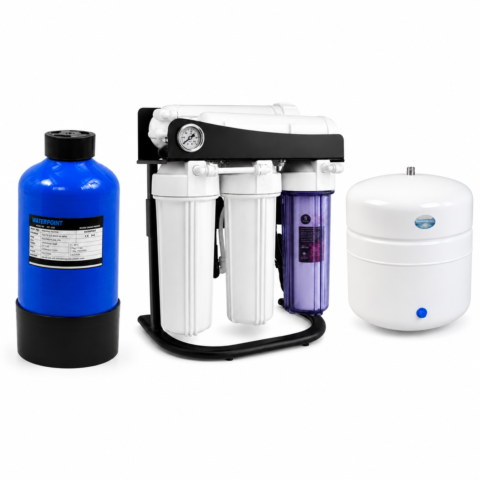
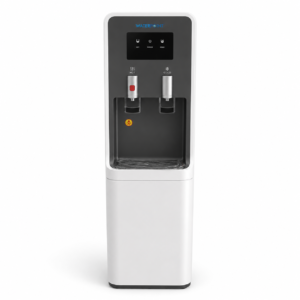
Systems and units Filtered Water Dispensers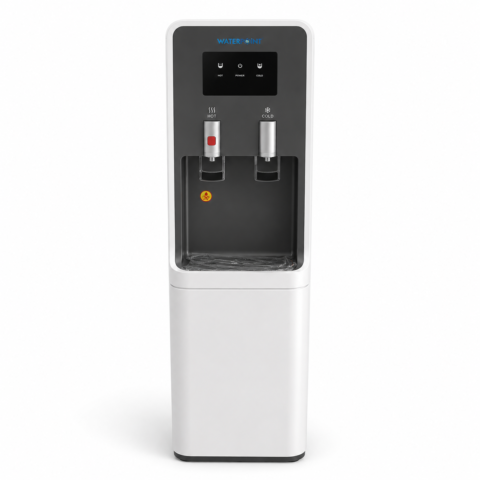 Water Point Filtered Water Dispenser
₺63,723.92
Water Point Filtered Water Dispenser
₺63,723.92
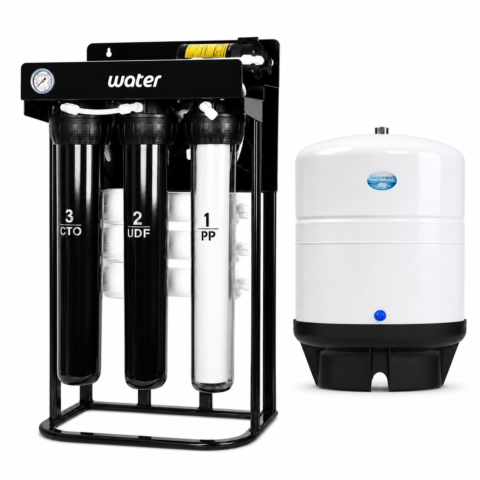 Restaurant Water Purifier, 500 GPD with 40 Litre Tank
₺49,018.40
Restaurant Water Purifier, 500 GPD with 40 Litre Tank
₺49,018.40
A main line that filters the water entering your plumbing at a single point.
Systems and units Whole House & Building Inlet Systems Read the guideA staged system for iron, manganese and turbidity.
Systems and units Well Water Treatment Read the guideLow-conductivity rinse water for spot-free drying.
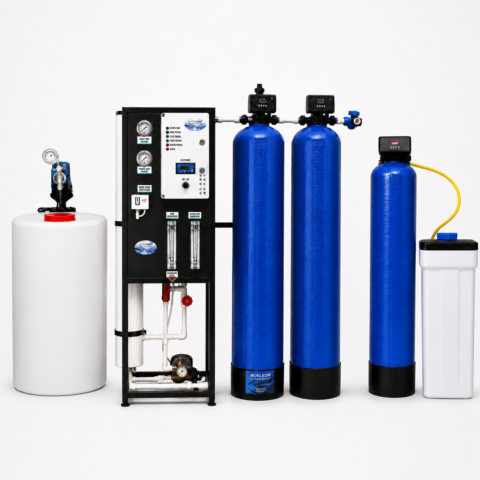
Systems and units Reverse Osmosis Systems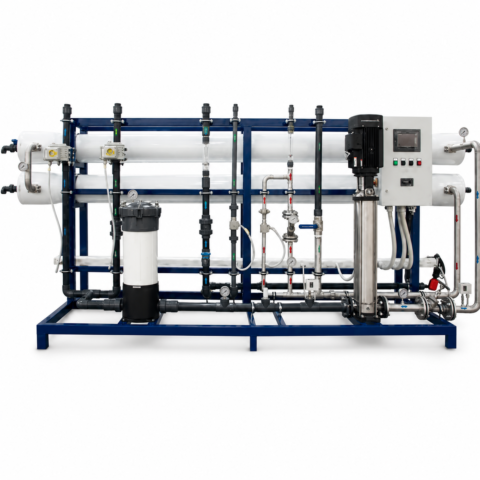 95 Tonne Reverse Osmosis System
₺980,368.00
95 Tonne Reverse Osmosis System
₺980,368.00
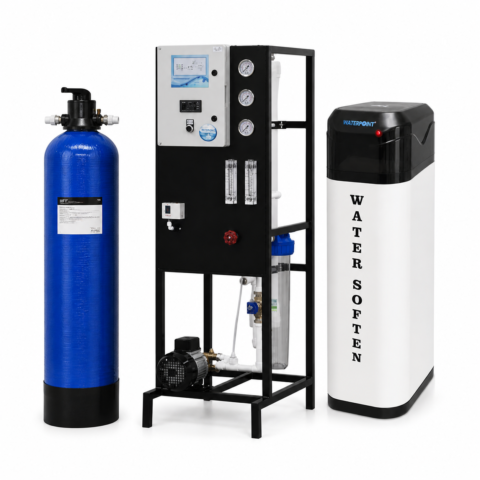 Industrial Deionised Pure Water Unit, 250 L/h
₺220,582.80
Industrial Deionised Pure Water Unit, 250 L/h
₺220,582.80
The problems hard water causes in hair and skin care.
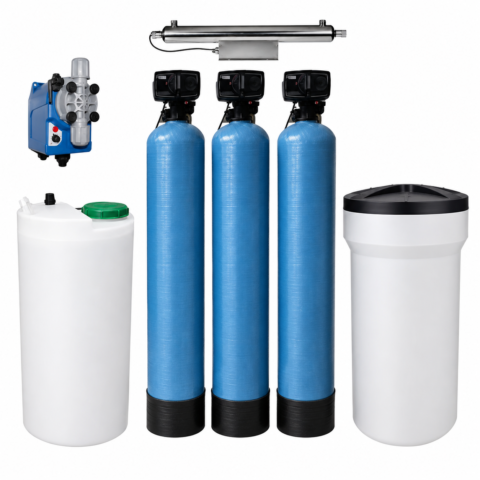
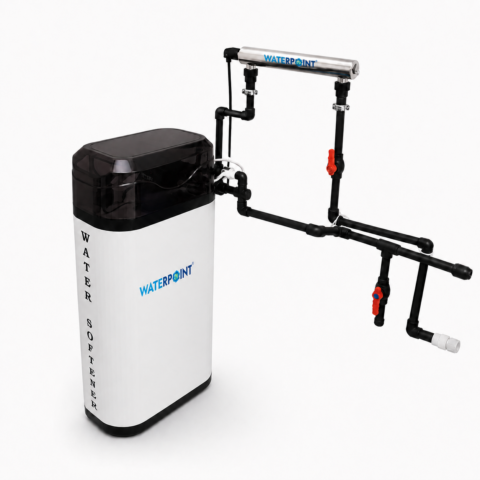
Systems and units Water Softeners Maxi Cabinet Water Softener, 5 Tonnes/Day
Original price was: ₺49,018.40.₺34,312.88Current price is: ₺34,312.88.
Maxi Cabinet Water Softener, 5 Tonnes/Day
Original price was: ₺49,018.40.₺34,312.88Current price is: ₺34,312.88.
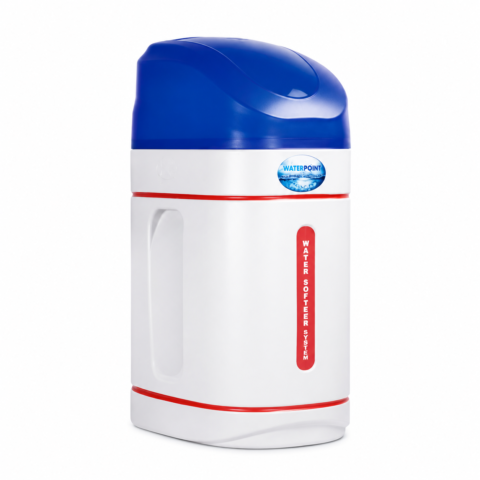 Mini Cabinet Water Softener, 2 Tonnes/Day
₺44,116.56
Mini Cabinet Water Softener, 2 Tonnes/Day
₺44,116.56
Drinking water from seawater with high-pressure reverse osmosis.
Systems and units Reverse Osmosis Systems Read the guideCompany
VAT included · Free shipping in Türkiye
Ordering from outside Türkiye
Online payment is only available for delivery addresses in Türkiye. For orders from abroad, we prepare a price quote.
Your location:
Installation is a service · plumbing is the customer’s responsibility
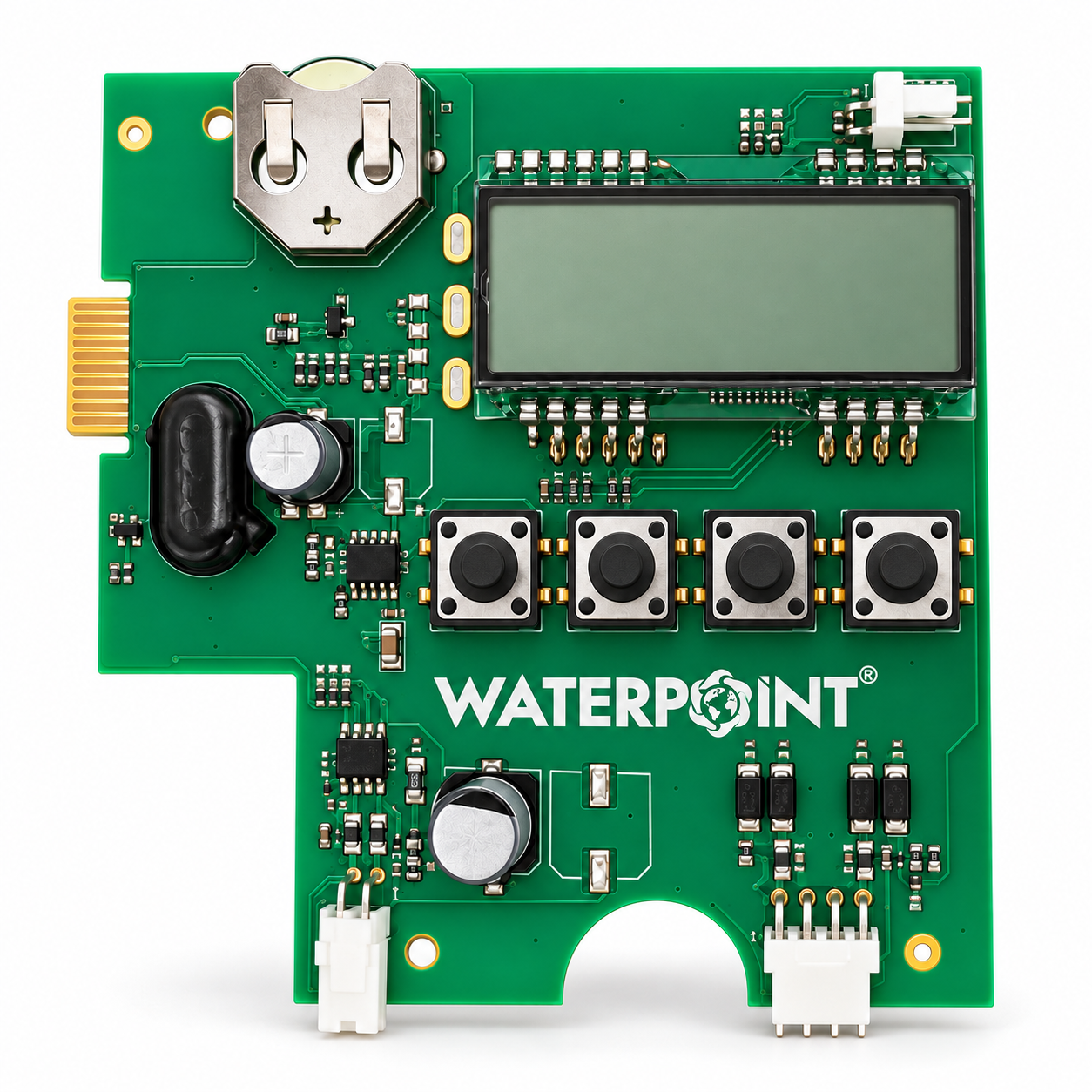
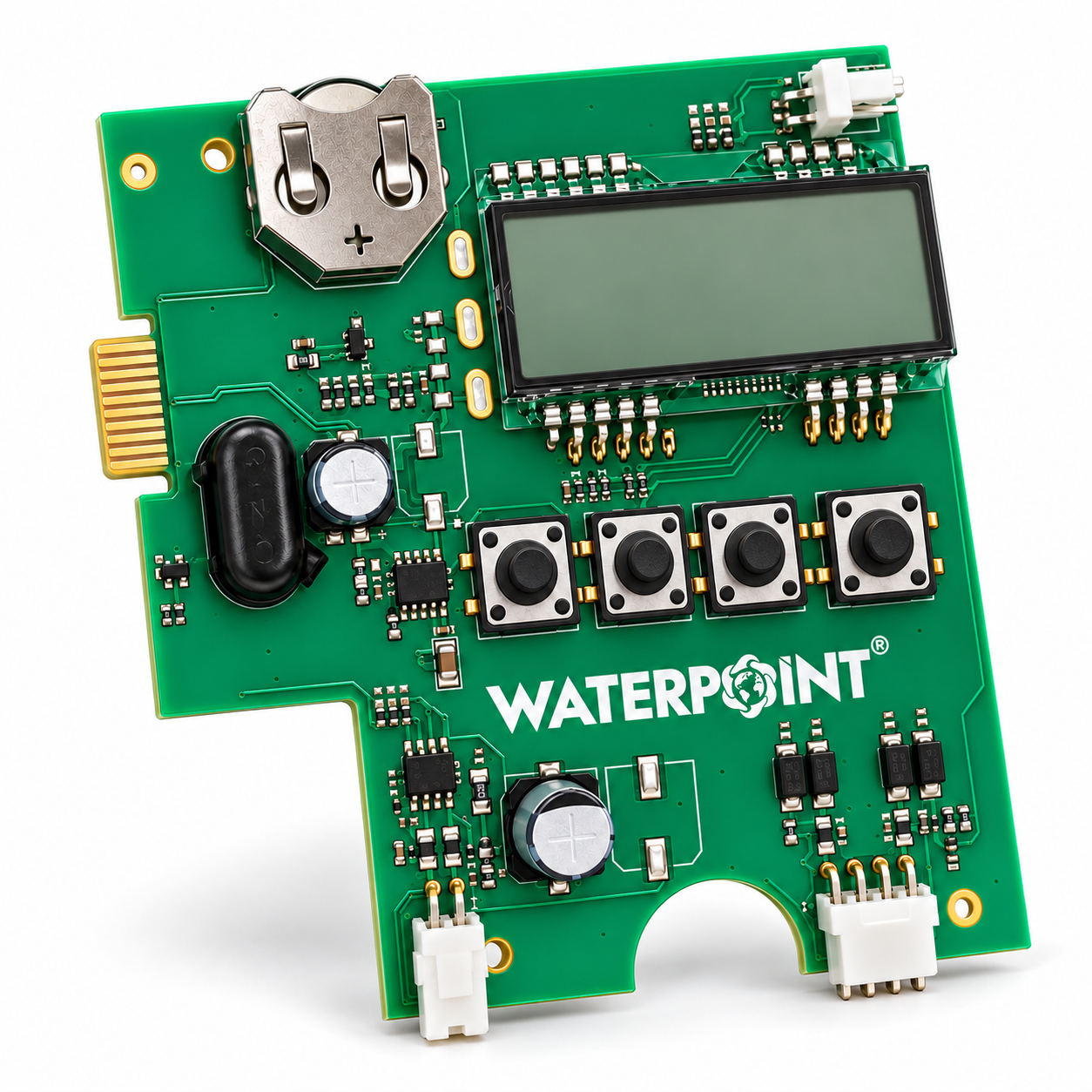
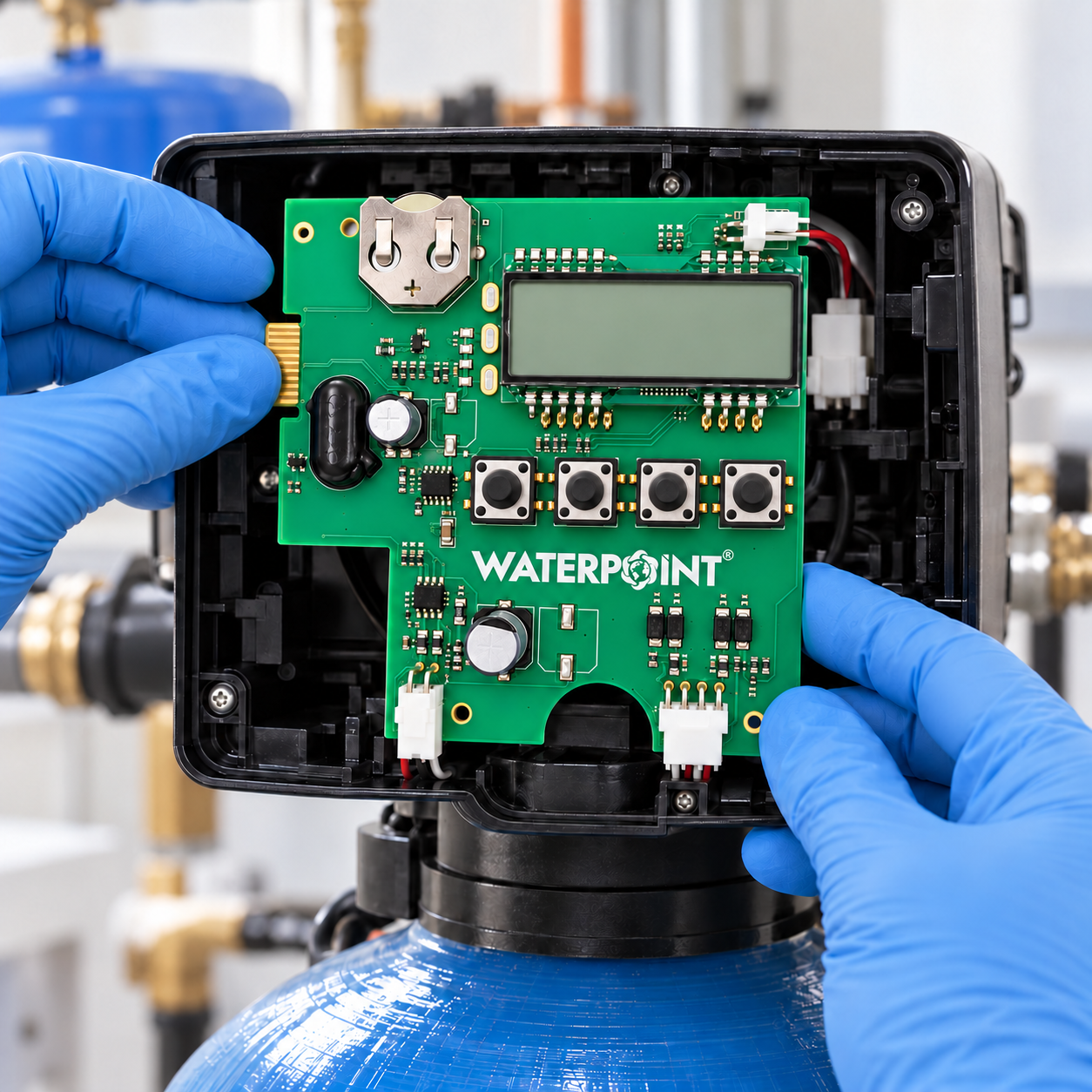
Clack EI Valve · WS1–WS2 · 4-Button Board
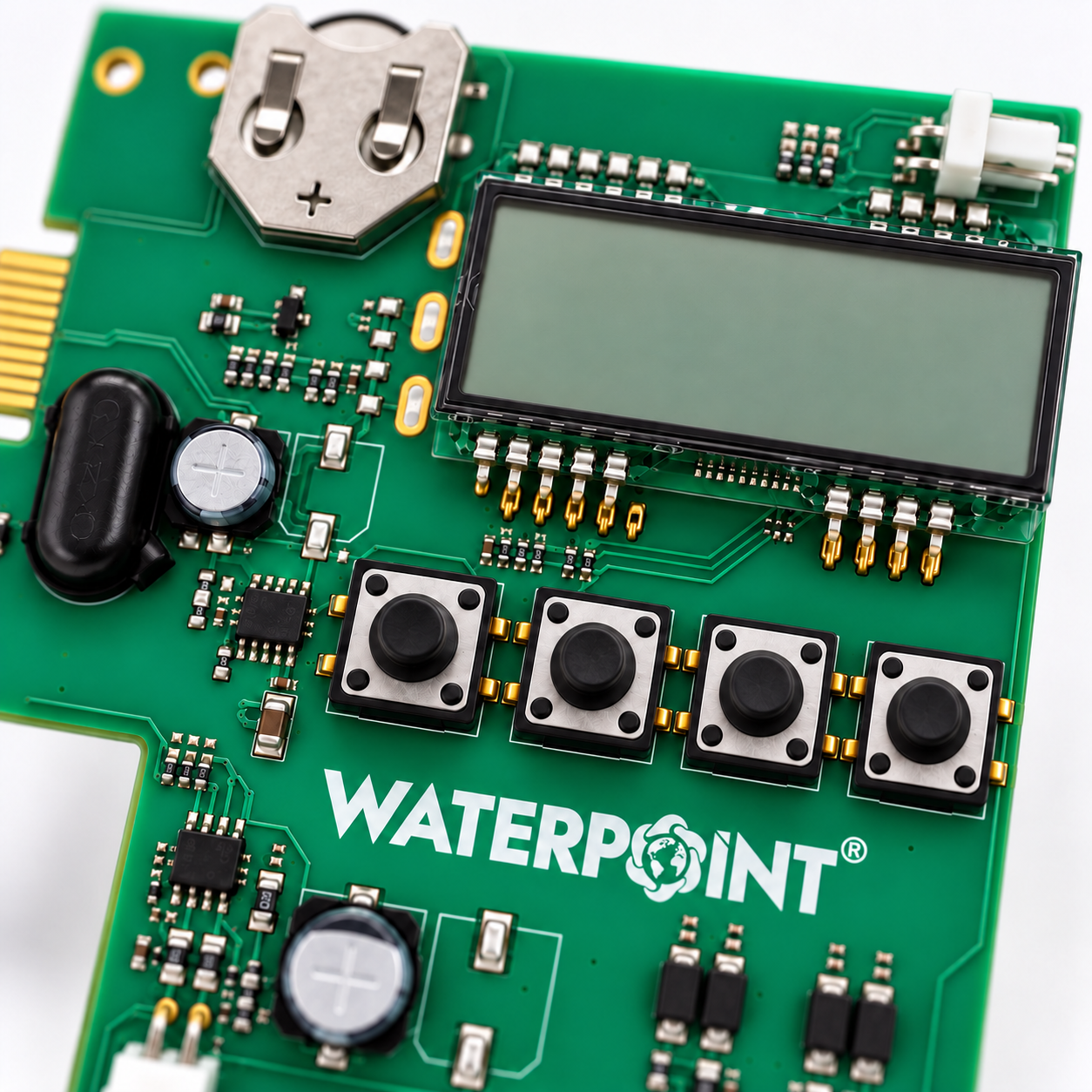
The Clack Valve Panel 4-Button is the electronic control board that carries the display, buttons and regeneration programme of EI-controlled Clack valves. With the NEXT, ▲, ▼ and REGEN buttons it manages regeneration started by the meter, the calendar or a differential pressure signal. Clack lists the EI board under a single description for WS1, WS1.25, WS1.5 and WS2 EI valves.
01Problem & Solution
Problem
When the EI board fails, the meter signal reaching the METER socket is not processed, the volume remaining is not calculated and volume-based regeneration does not start on time. The error and usage records in the diagnostics menu cannot be accessed, and external equipment connected to the relay outputs receives no signal. The resin or filter bed is left unwashed even though it is saturated.
Solution
The Clack Valve Panel 4-Button fits in place of the board behind the front cover of the EI valve. The valve body, tank and pipework stay where they are; once the sockets are connected and the programme values re-entered, the valve starts reading the meter and managing its own cycles again.
02Key Features
The Clack Valve Panel 4-Button brings the EI valve’s setting, monitoring and diagnostic functions together on a single board.
NEXT moves between screens, ▲ and ▼ change the value, and REGEN schedules regeneration or starts it straight away.
Regeneration can be initiated on a meter-immediate, meter-delayed or calendar-delayed basis, or by a differential pressure signal.
The volume remaining, days to the next regeneration, current flow rate (L/min), total volume (m³) and the time of day can be viewed with the NEXT button.
The software version, the total number of regenerations, the last 10 errors and the last 63 days of usage history are stored in the diagnostics menu.
Two outputs rated at 100 mA, 12 V DC each; they drive an external relay by time, by volume or on an error condition.
With the 1.0T and 1.5T twin valve types, a motorised alternating valve (MAV) and a communication cable, it manages two-tank systems.
03Technical Specifications
| Feature | Value | What it does |
|---|---|---|
| Product Type | Electronic Control Board | The product family it belongs to. When buying a spare, the family alone is not enough; the size and model must match too. |
| Compatible Valves | Clack WS1–WS2 EI | |
| Valve Size Setting | 1.0 · 1.25 · 1.5 · 2.0 | |
| Initiation Method | Meter · Calendar · Differential Pressure | |
| Buttons | NEXT · ▲ · ▼ · REGEN | |
| Display | 5 Digits | The user panel. Filter life and fault warnings are read here. |
| Required Power Supply | 15 V DC, 500 mA Adaptor | |
| Relay Output | 2 × 12 V DC, 100 mA | |
| Backup Battery | 3 V Lithium, 2032 | |
| Clock Retention | 8 Hours | |
| Board Sockets | METER · DP SWITCH · MAV · COMM CABLE | |
| Diagnostic Log | Last 10 Errors · 63 Days |
04Applications
The Clack Valve Panel 4-Button is used to replace a faulty board in softening and filter systems running on WS1–WS2 EI valves.
Water Softening UnitsBackwashing FiltersRegenerative Filter SystemsMetered Valve InstallationsTwin-Tank (Tandem) SystemsLines with a Differential Pressure SignalInstallations with Relay OutputsWS1.5 and WS2 EI Valves
05How It Works
Using the signal from the meter connected to the METER socket, the board calculates the current flow rate and the volume remaining; if no meter is used, it works on a day counter.
A regeneration request is raised when the programmed volume is used up or when the day limit, selectable from 1–28 days, is reached.
Depending on the setting, the request is acted on immediately or at the regeneration time, which defaults to 2:00; if the DP SWITCH input is connected, a differential pressure signal also triggers the request.
Using the DC motor, the board moves the piston in turn through the backwash, brine draw and slow rinse, fast rinse and refill cycles.
When the cycles are complete the valve returns to the service position; total volume, the number of regenerations and error records are written to the diagnostics menu.
06Making the Right Choice
When choosing the Clack Valve Panel 4-Button, first check the valve model and the button layout of the existing board.
The EI board has NEXT, ▲, ▼ and REGEN. The TC board has three buttons, SET, ▲ and ▼; the CI and CS boards have five buttons, including SET CLOCK.
Before ordering, compare the model on the valve label (e.g. WS1 EI, WS1.25 EI) with the code on the existing board’s label.
If volume-based regeneration, diagnostics and a relay output are needed, the EI board is used; on a time clock TC valve, the 3-button board is used.
If there is a meter, MAV, differential pressure switch or twin valve cable, each one must be connected to the socket with the same label on the new board.
07Maintenance and Use
When replacing the Clack Valve Panel 4-Button, the following steps make it easier to transfer the connections and settings correctly.
08Frequently Asked Questions
To write a review, please log in to your account. If you don't have an account, you can create one on the same page.
Questions & Answers
Questions on compatibility, capacity and installation are answered by our technical team. The answers stay public — so the next person with the same question can see them too.
No questions have been published for this product yet. You can be the first to ask.
Products in stock ship free anywhere in Türkiye and arrive within 1–3 business days. Items not in stock are supplied to order — the lead time is confirmed to you when the order is approved.
Fitting the part falls under our service work and is subject to a service fee. Plumbing labour and any pipes, valves and fittings are not included in the price; these items are the customer’s responsibility.
This product is covered by a 2-year manufacturer warranty. During the warranty period, labour and parts are free for faults arising from manufacture. Consumables such as filters, membranes and resin are outside warranty cover — they are replaced when their service life ends; they do not fail.
The right of withdrawal and the return terms are set out in detail in the distance sales agreement. Systems that have been installed and commissioned, and made-to-order products, are outside its scope.
Checkout
Instalment TableInstalment rates vary by each bank’s card programme and may include interest. The amounts below are calculated with the banks’ current rates; the final amount is shown again at checkout.
Questions? Talk to our specialist directly.
WaterAI
Reviews
There are no reviews yet.