

Delivery
Across Türkiye · 1–3 business daysProducts in stock ship free anywhere in Türkiye and arrive within 1–3 business days. Items not in stock are supplied to order — the lead time is confirmed to you when the order is approved.

Categories
Solutions
Process water, line feed and sizing by flow rate.
Systems and units Industrial Water Treatment Read the guideTreatment that stops limescale and corrosion before they reach the boiler.
Systems and units Water Softeners Read the guidePure water of low conductivity and repeatable quality.
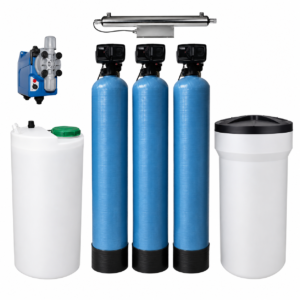
Systems and units Pure Water Systems Read the guideRemoving the salts and sediment that clog drip lines.
Systems and units Well Water Treatment Read the guideThe right hardness for equipment life and drink flavour.
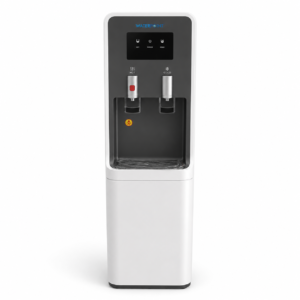
Systems and units Filtered Water Dispensers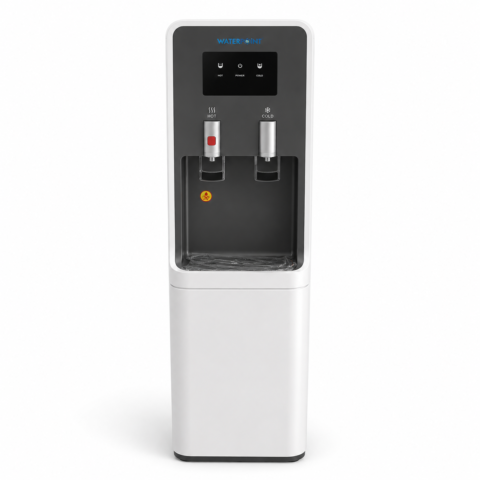 Water Point Filtered Water Dispenser
₺63,723.92
Water Point Filtered Water Dispenser
₺63,723.92
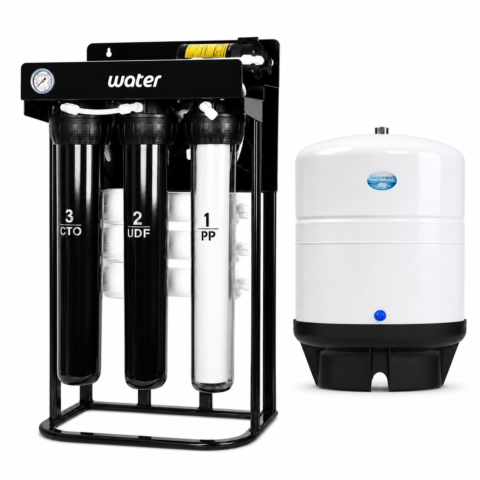 Restaurant Water Purifier, 500 GPD with 40 Litre Tank
₺49,018.40
Restaurant Water Purifier, 500 GPD with 40 Litre Tank
₺49,018.40
A main line that filters the water entering your plumbing at a single point.
Systems and units Whole House & Building Inlet Systems Read the guideA staged system for iron, manganese and turbidity.
Systems and units Well Water Treatment Read the guideLow-conductivity rinse water for spot-free drying.
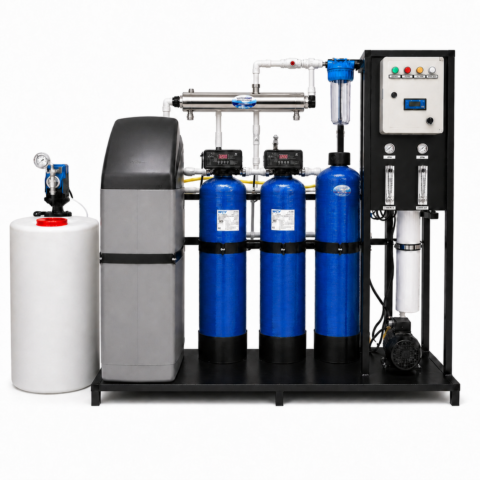
Systems and units Reverse Osmosis Systems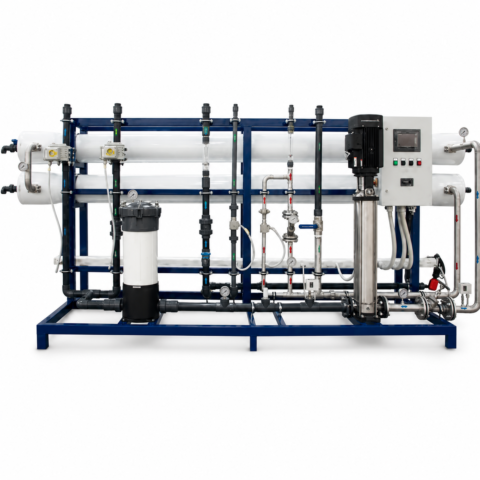 95 Tonne Reverse Osmosis System
₺980,368.00
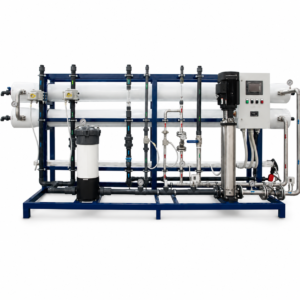
95 Tonne Reverse Osmosis System
₺980,368.00
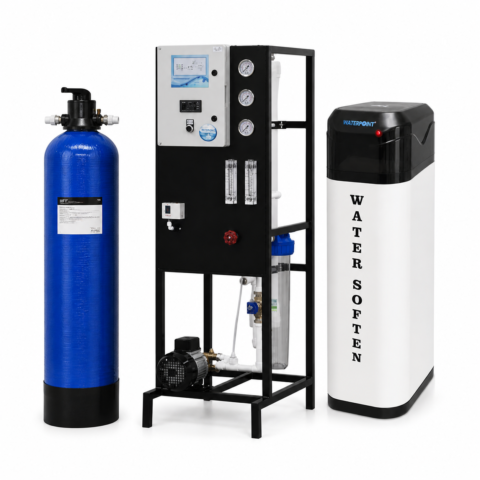 Industrial Deionised Pure Water Unit, 250 L/h
₺220,582.80
Industrial Deionised Pure Water Unit, 250 L/h
₺220,582.80
The problems hard water causes in hair and skin care.
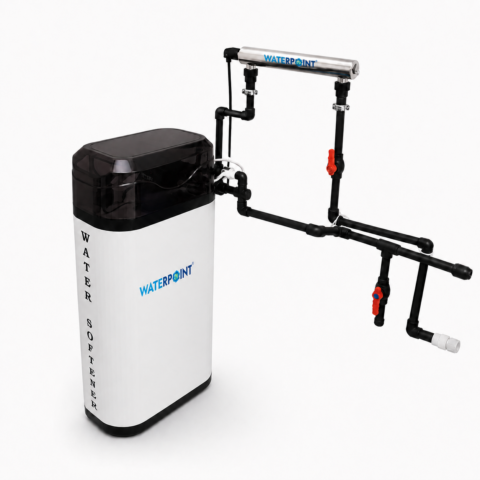
Systems and units Water Softeners Maxi Cabinet Water Softener, 5 Tonnes/Day
Original price was: ₺49,018.40.₺34,312.88Current price is: ₺34,312.88.
Maxi Cabinet Water Softener, 5 Tonnes/Day
Original price was: ₺49,018.40.₺34,312.88Current price is: ₺34,312.88.
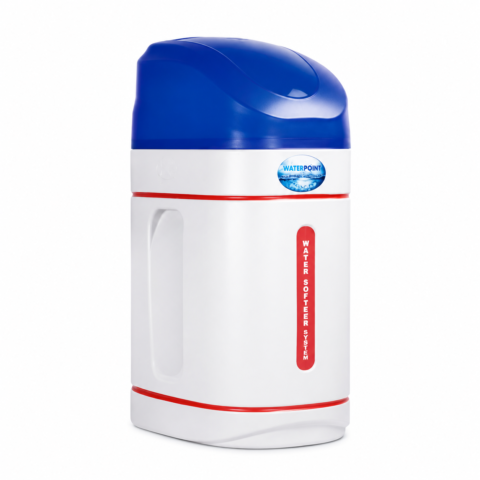 Mini Cabinet Water Softener, 2 Tonnes/Day
₺44,116.56
Mini Cabinet Water Softener, 2 Tonnes/Day
₺44,116.56
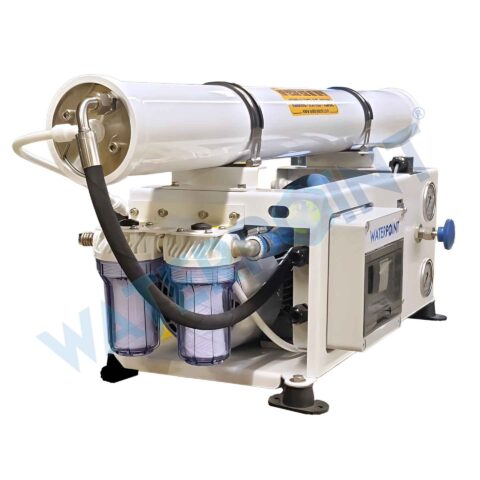
Drinking water from seawater with high-pressure reverse osmosis.
Systems and units Reverse Osmosis Systems Read the guideCompany

VAT included · Free shipping in Türkiye
Ordering from outside Türkiye
Online payment is only available for delivery addresses in Türkiye. For orders from abroad, we prepare a price quote.
Your location:
Installation is a service · plumbing is the customer’s responsibility
Clack WS1TC · WS1.25TC · V3818TB-03BOARD
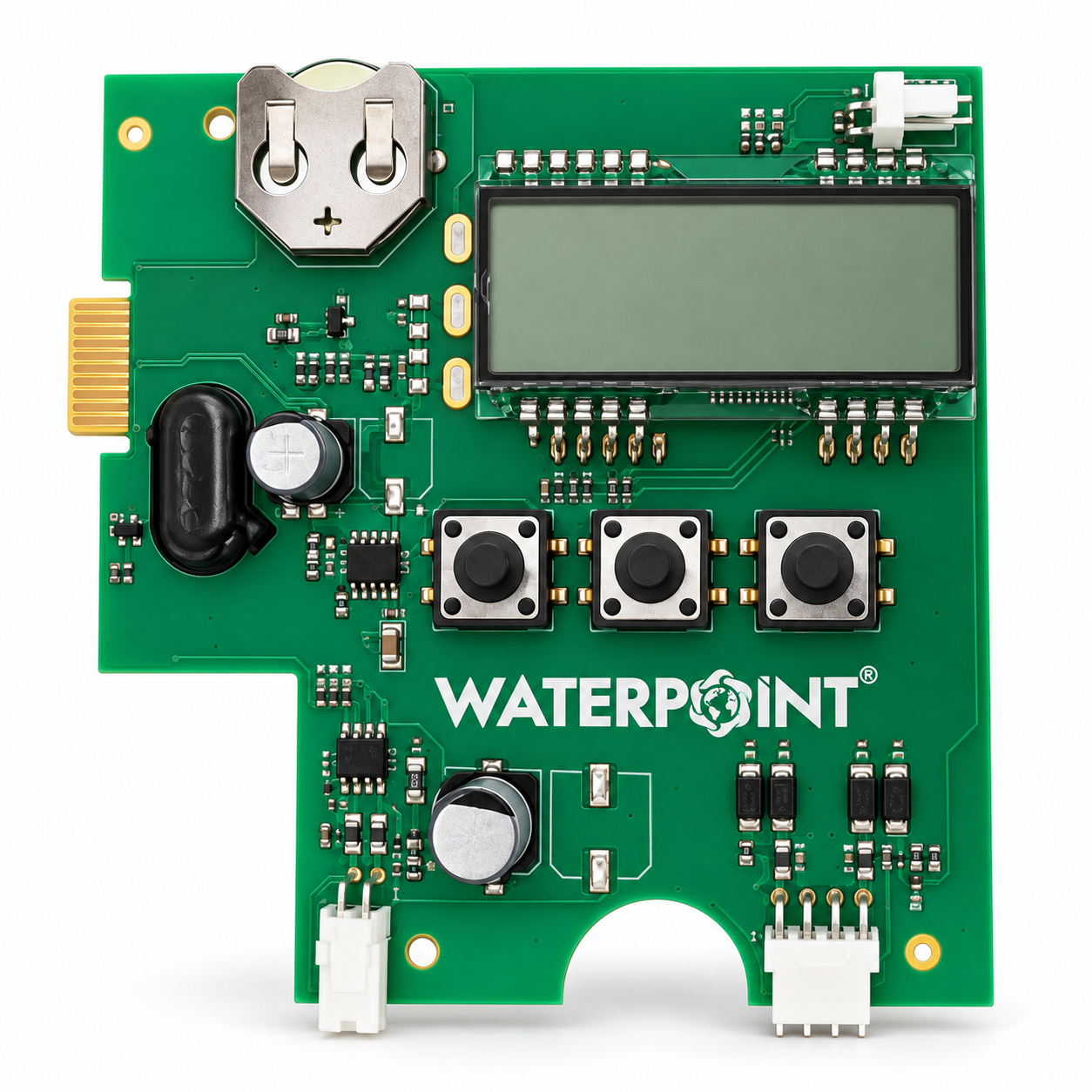
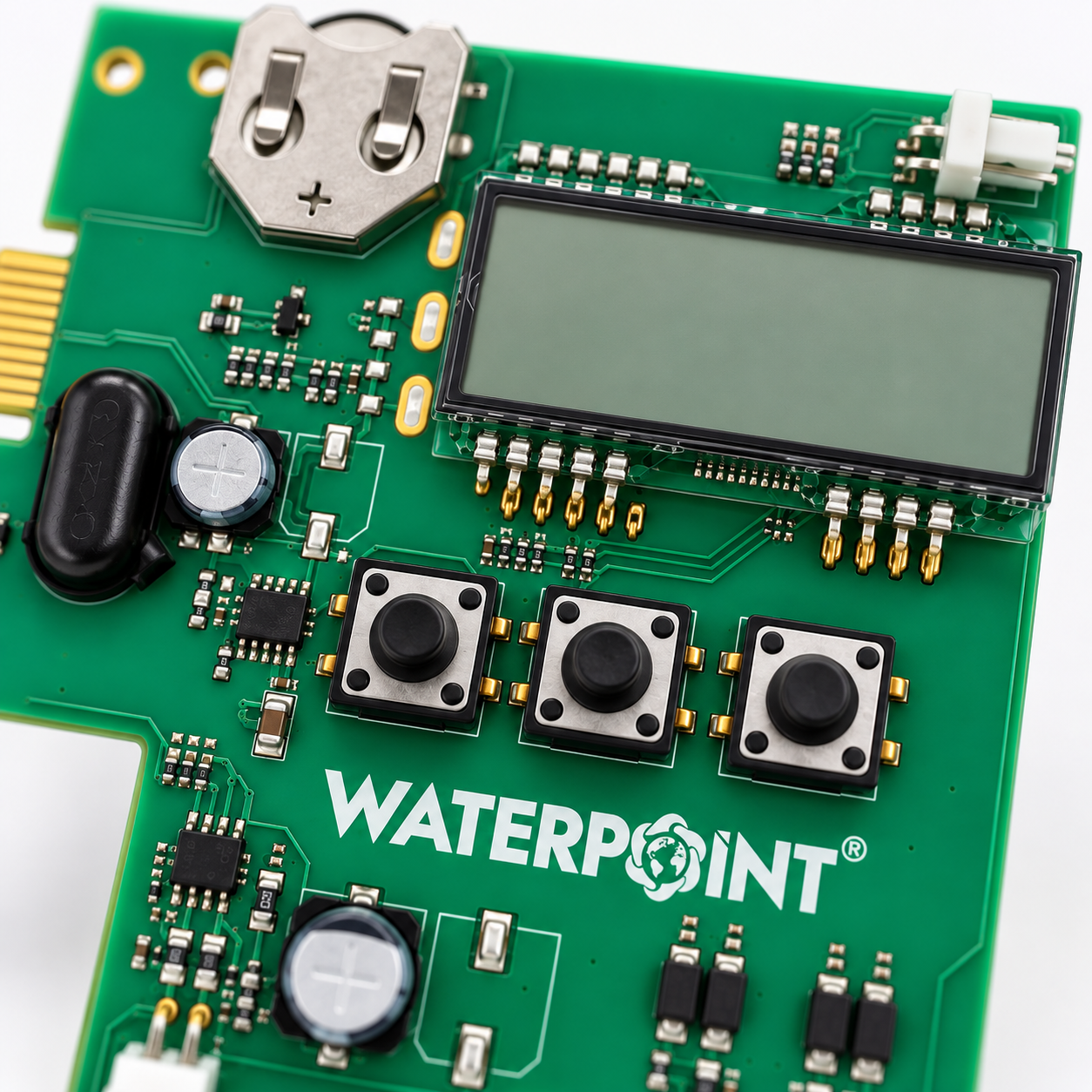
The Clack Valve Board 3-Button is the replacement electronic board that acts as the control centre of Clack WS1TC and WS1.25TC time clock control valves. With its 4-digit LCD display, its SET, up (▲) and down (▼) buttons and its button cell holder, it manages the valve’s clock, regeneration schedule and programme; by driving the DC motor, it moves the piston to the backwash, regeneration, rinse and service positions.
01Problem & Solution
Problem
Every decision the valve makes comes from the electronic board. When the board fails, the buttons do not respond, the display stays blank even though the power supply is correct, or regeneration does not start; the filter bed is not backwashed and the resin is not renewed. If the display is completely dark, check the mains socket and the 15 V DC adaptor first; if the clock is only flashing, set it again, and if the power cut lasted less than 8 hours, replace the battery.
Solution
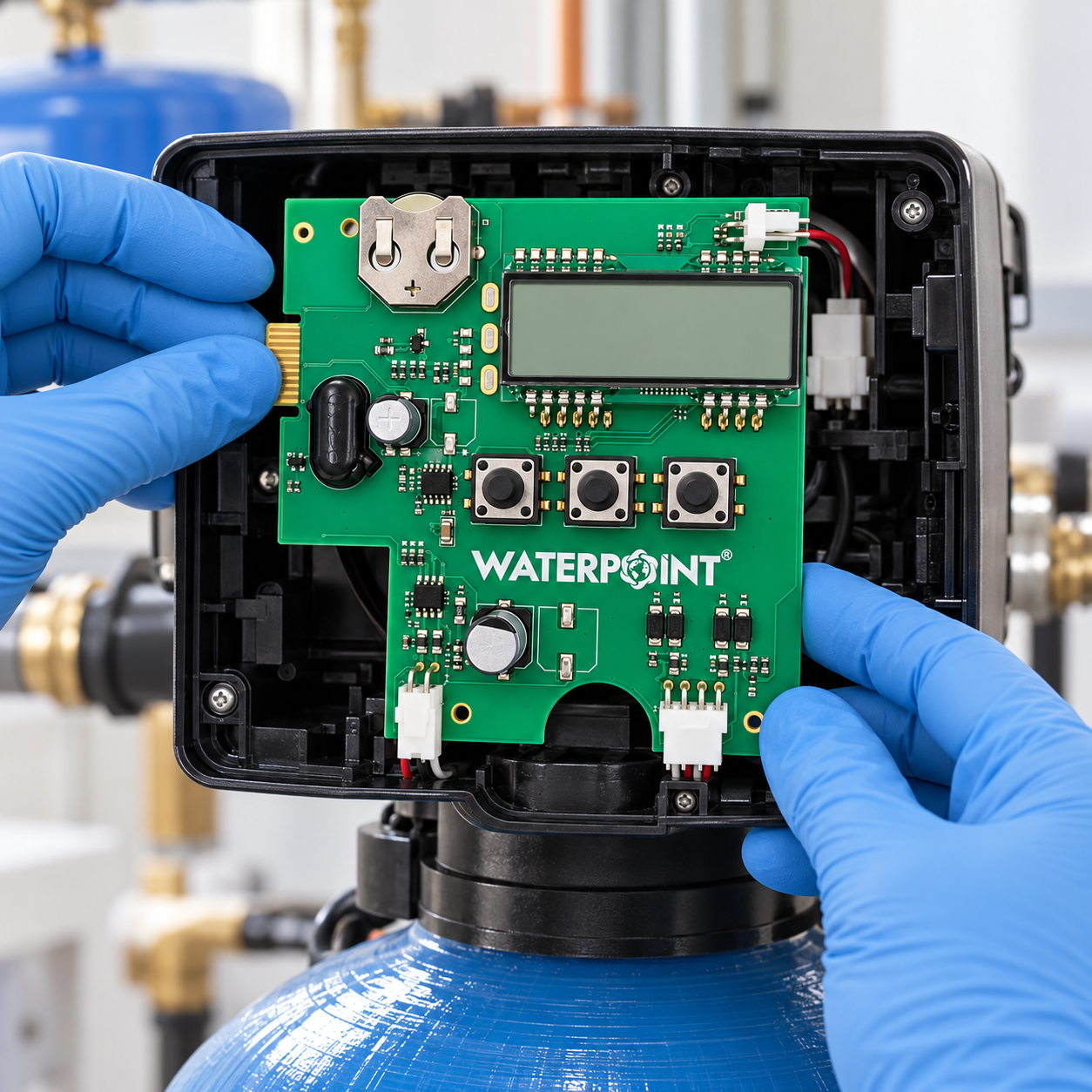
The Clack Valve Board 3-Button fits directly into its place on the drive bracket of WS1TC and WS1.25TC valves. After a reset, the valve finds the service position by itself; the control side of the valve is renewed without changing the body, piston, tank or pipework.
02Key Features
The Clack Valve Board 3-Button brings together on one board the timekeeping, decision-making and motor control functions that a time clock valve needs.
The time of day, the days remaining until regeneration and, during regeneration, the active cycle (C1, C2…) and the time remaining can be read together with the status indicators.
The SET, ▲ and ▼ buttons are used to set the clock, the regeneration time and the day interval, and to select the programme in the setup menu.
A 2032-type 3 V lithium button cell keeps the time for up to 8 hours when the power is cut.
The programme and the valve status are stored in EEPROM memory; after a long power cut, only the time of day needs to be set again.
Choose from six softening programmes, one regenerative filter programme and three backwashing filter programmes (P0–P9).
Regeneration starts at the set time, either at an interval of 1–99 days or on the days chosen in a 7-day schedule.
03Technical Specifications
| Feature | Value | What it does |
|---|---|---|
| Product Type | Valve Electronic Board | The product family it belongs to. When buying a spare, the family alone is not enough; the size and model must match too. |
| Compatibility | Clack WS1TC · WS1.25TC | Which units and housings it works with. Compare it with yours before ordering. |
| Clack Part No. | V3818TB-03BOARD | |
| Control Type | Time Clock (Non-Metered) | How the backwash timing is decided. A flow-controlled system saves both water and salt. |
| Display | 4-Digit LCD | The user panel. Filter life and fault warnings are read here. |
| Buttons | SET · ▲ · ▼ | |
| Backup Battery | 3 V Lithium, 2032 Type | |
| Clock Backup | Up to 8 Hours | |
| Default Programme | P8 (Filter) | |
| Regeneration Schedule | 1–99 Days / 7 Days | |
| Power Input | 15 V DC Adaptor | |
| Clock Format | 12/24 Hour (Selectable) |
04Applications
The Clack Valve Board 3-Button is used as a spare part in softening and filter systems built with Clack WS1 and WS1.25 time clock valves.
Backwashing FiltersSystems with WS1.25TC ValvesWS1TC Softening UnitsRegenerative FiltersWhole House & Building Inlet SystemsFaulty Board ReplacementTechnical Service Spare StockValve Overhaul & Renewal
05How It Works
The board keeps the time of day and counts the days since the last regeneration; the display shows the time or the days remaining until regeneration.
When the day interval or the 7-day schedule comes due, the board schedules regeneration for the set time (usually 02:00 at night) and the Regen arrow appears on the display.
The board powers the DC motor through the 2-pin socket; the motor turns the gears and moves the piston to the backwash, regeneration, rinse and refill positions.
An optical sensor passes pulses from the reflective surface on the gear to the board; by counting these pulses, the board stops the motor at the right point in each cycle.
When the cycles are complete, the piston returns to the service position, the counter resets and the board starts counting towards the next regeneration day.
06Making the Right Choice
When choosing the Clack Valve Board 3-Button, the valve model, the number of buttons on the board and the programme to be used should be checked together.
The Clack Valve Board 3-Button is for WS1TC and WS1.25TC time clock valves; check the model name on the valve label.
Identify the board by its number of buttons: the time clock TC board has three (SET, ▲, ▼), the EI board four, and the CI and CS boards five.
The metered WS1 EI valve uses a four-button board (NEXT, ▲, ▼, REGEN); for that, see the Clack Valve Panel 4-Button.
The board appears in the Clack list with the backwashing filter programme P8 as its default; on a water softener, the programme that matches the valve body, piston and injector must be selected from the setup menu.
07Maintenance and Use
The Clack Valve Board 3-Button runs steadily when it is fitted in the right order and kept in a dry place.
08Frequently Asked Questions
To write a review, please log in to your account. If you don't have an account, you can create one on the same page.
Questions & Answers
Questions on compatibility, capacity and installation are answered by our technical team. The answers stay public — so the next person with the same question can see them too.
No questions have been published for this product yet. You can be the first to ask.
Products in stock ship free anywhere in Türkiye and arrive within 1–3 business days. Items not in stock are supplied to order — the lead time is confirmed to you when the order is approved.
Fitting the part falls under our service work and is subject to a service fee. Plumbing labour and any pipes, valves and fittings are not included in the price; these items are the customer’s responsibility.
This product is covered by a 2-year manufacturer warranty. During the warranty period, labour and parts are free for faults arising from manufacture. Consumables such as filters, membranes and resin are outside warranty cover — they are replaced when their service life ends; they do not fail.
The right of withdrawal and the return terms are set out in detail in the distance sales agreement. Systems that have been installed and commissioned, and made-to-order products, are outside its scope.
Checkout
Instalment TableInstalment rates vary by each bank’s card programme and may include interest. The amounts below are calculated with the banks’ current rates; the final amount is shown again at checkout.
Questions? Talk to our specialist directly.
WaterAI


Reviews
There are no reviews yet.